
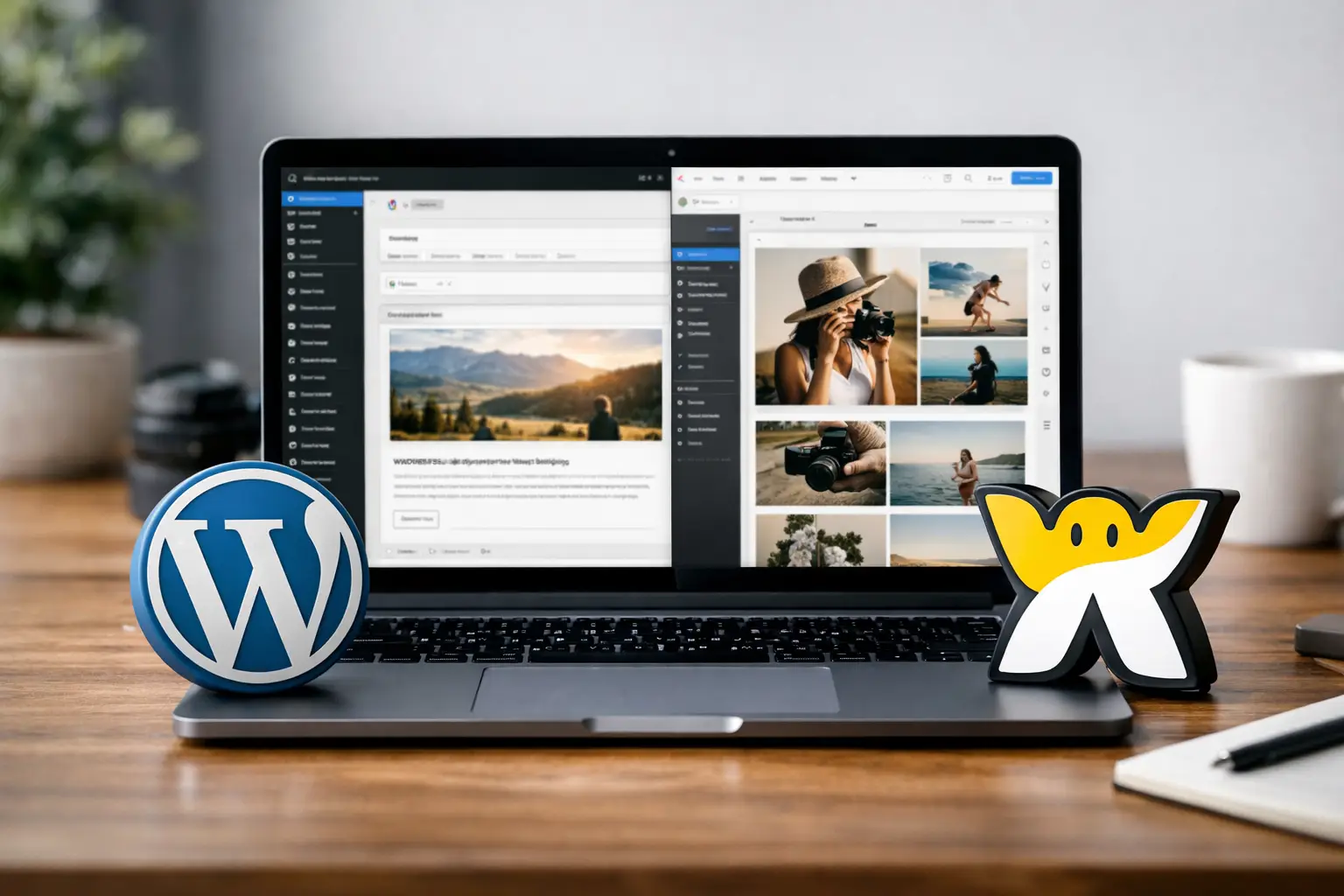
Picking a website platform usually feels simple right up until you have to live with the decision. If you are comparing wordpress or wix for beginners, you are really deciding how much control, flexibility, and setup work you want now versus later. That matters a lot when your website is tied to your business, lead generation, or credibility.
This is not a case where one platform wins for everyone. WordPress and Wix solve different problems well. The better choice depends on whether you want speed and simplicity or deeper ownership and room to grow.
WordPress or Wix for beginners: the real difference
The biggest difference is not design. It is responsibility.
Wix is a hosted website builder. That means the platform handles hosting, security basics, updates, and much of the technical side for you. You sign up, pick a template, edit pages, and publish. For a beginner who wants a business site online quickly, that is appealing.
WordPress, in most business conversations, usually means self-hosted WordPress.org. That version gives you far more control, but you are also responsible for more decisions. You need hosting, a theme, plugins, maintenance, and at least a basic understanding of how your site is put together.
That extra control can become a real asset if your business needs custom features, stronger content marketing, or long-term flexibility. It can also become a distraction if all you need is a clean five-page site and a contact form.
Choose Wix if you want speed and fewer moving parts
Wix is often the easier starting point for true beginners. Its editor is visual, the setup process is straightforward, and most of the hard technical work is hidden in the background. If your priority is getting something live this week, Wix makes that possible with less friction.
This is especially useful for freelancers, local service businesses, consultants, and solo operators who do not want to spend hours learning plugins, hosting dashboards, or site maintenance. You can focus on your homepage copy, service pages, booking flow, and branding instead of site architecture.
Wix also reduces decision fatigue. With WordPress, beginners often lose time choosing among dozens of themes, page builders, SEO tools, form tools, security plugins, and backup systems. Wix keeps more of that in one environment, which makes it easier to move forward.
The trade-off is that you are working inside Wix’s system. That system is user-friendly, but it is still a closed platform compared to WordPress. You get convenience, but less freedom.
When Wix makes the most sense
Wix is a strong fit if your website is mainly a digital brochure, lead capture tool, or simple business hub. If you need service pages, testimonials, a gallery, basic SEO settings, and a contact form, it usually covers the essentials without much setup.
It also makes sense if you are not interested in managing website infrastructure. For many beginners, that is not laziness. It is good prioritization.
Choose WordPress if you want flexibility and long-term control
WordPress asks more from you at the start, but it gives more back over time. If your site is likely to become a bigger part of your marketing system, WordPress is often the stronger business asset.
It is especially good for content-heavy websites, businesses that care about blogging and search traffic, and brands that may need custom functionality later. You can shape WordPress into almost anything, from a simple service site to a membership platform, online store, booking system, course hub, or lead generation engine.
That flexibility matters because many small businesses outgrow their first website setup. What starts as a few pages can turn into landing pages, blog categories, email capture systems, local SEO content, and integrations with outside tools. WordPress handles that kind of expansion better.
The downside is that beginners can make WordPress harder than it needs to be. Too many plugins, a bloated theme, or poor hosting can create a slow, messy site. WordPress is powerful, but it rewards clean setup and better decisions.
When WordPress makes the most sense
WordPress is the better fit if you expect your website to evolve with your business. If you want stronger ownership, more customization, and fewer platform limitations later, it is worth the learning curve.
It is also the better choice if content marketing is central to your plan. If you want to publish articles regularly, build topic authority, and create a site structure that can grow over time, WordPress gives you more control.
Ease of use: Wix wins early, WordPress wins later
For pure ease of use, Wix wins at the beginning.
A beginner can open Wix and understand the path to publishing fairly quickly. The learning curve is lighter, and that can be the difference between launching a site and postponing it for three months.
WordPress is not impossible for beginners, but it has more layers. You are learning the dashboard, theme settings, plugin behavior, hosting basics, menus, pages, and sometimes a page builder on top of that. None of this is unmanageable, but it takes time.
Where WordPress starts to pull ahead is after the basics. Once you understand how your site works, you usually have more options and fewer structural limits. In other words, Wix is easier to start, while WordPress is often easier to scale well.
Design and customization
Both platforms can produce professional-looking websites. Most visitors will not care what platform you used if the site is clear, fast, and easy to navigate.
Wix is easier for visual editing. It gives beginners more direct control over layout without needing extra tools. That makes it attractive if you want to move sections around quickly and see changes in real time.
WordPress can be just as strong, and often stronger, for customization, but the result depends on your theme, builder, and setup choices. A well-built WordPress site can look excellent and function exactly how you want. A poorly built one can become a patchwork of conflicting tools.
If you care most about convenience in the design process, Wix has the edge. If you care most about deeper customization potential, WordPress has it.
SEO, blogging, and content growth
For many business owners, this is where the decision becomes more strategic.
Wix has improved a lot in SEO and can handle the basics well. You can optimize pages, edit titles and descriptions, create blog posts, and build a site that ranks. For a local business or service provider with a modest content plan, that may be enough.
WordPress still has the stronger reputation for content-driven growth, and not by accident. It gives you more control over your site structure, publishing workflow, plugin choices, and technical setup. If SEO and blogging are a major part of your business strategy, WordPress usually gives you a better long-term foundation.
This does not mean Wix cannot rank. It means WordPress tends to be the more capable platform when content becomes a serious acquisition channel.
Cost and maintenance
Wix is easier to budget because pricing is more bundled. You pay for the plan and work within the system. That predictability helps beginners who want fewer surprise costs.
WordPress can be cheaper or more expensive depending on your choices. Hosting, premium themes, premium plugins, maintenance tools, and occasional developer help can all add up. At the same time, you have more freedom to choose what you pay for and what you do yourself.
Maintenance is where the difference becomes practical. Wix handles more in the background. WordPress requires attention. Updates, backups, plugin compatibility, and security are part of the package. If you are comfortable learning that, it is manageable. If not, it can become a drag on your time.
So which one should a beginner choose?
If you want the fastest path to a polished, functional website and you do not need advanced customization, choose Wix. It is a solid option for getting your business online without turning your website into a side job.
If you are building a site that you expect to grow into a bigger marketing asset, choose WordPress. It takes more setup, but it gives you more control over where your business can go next.
A simple way to decide is this: choose Wix if your biggest problem is getting launched. Choose WordPress if your biggest concern is future flexibility.
That is the practical answer most beginners need. You do not need the perfect platform. You need the one you can use consistently, manage confidently, and build on without stalling progress.
If you are still stuck, think one step beyond the homepage. Picture what your business website needs to do a year from now, not just this week. That usually makes the right choice a lot clearer.














0 Comments