
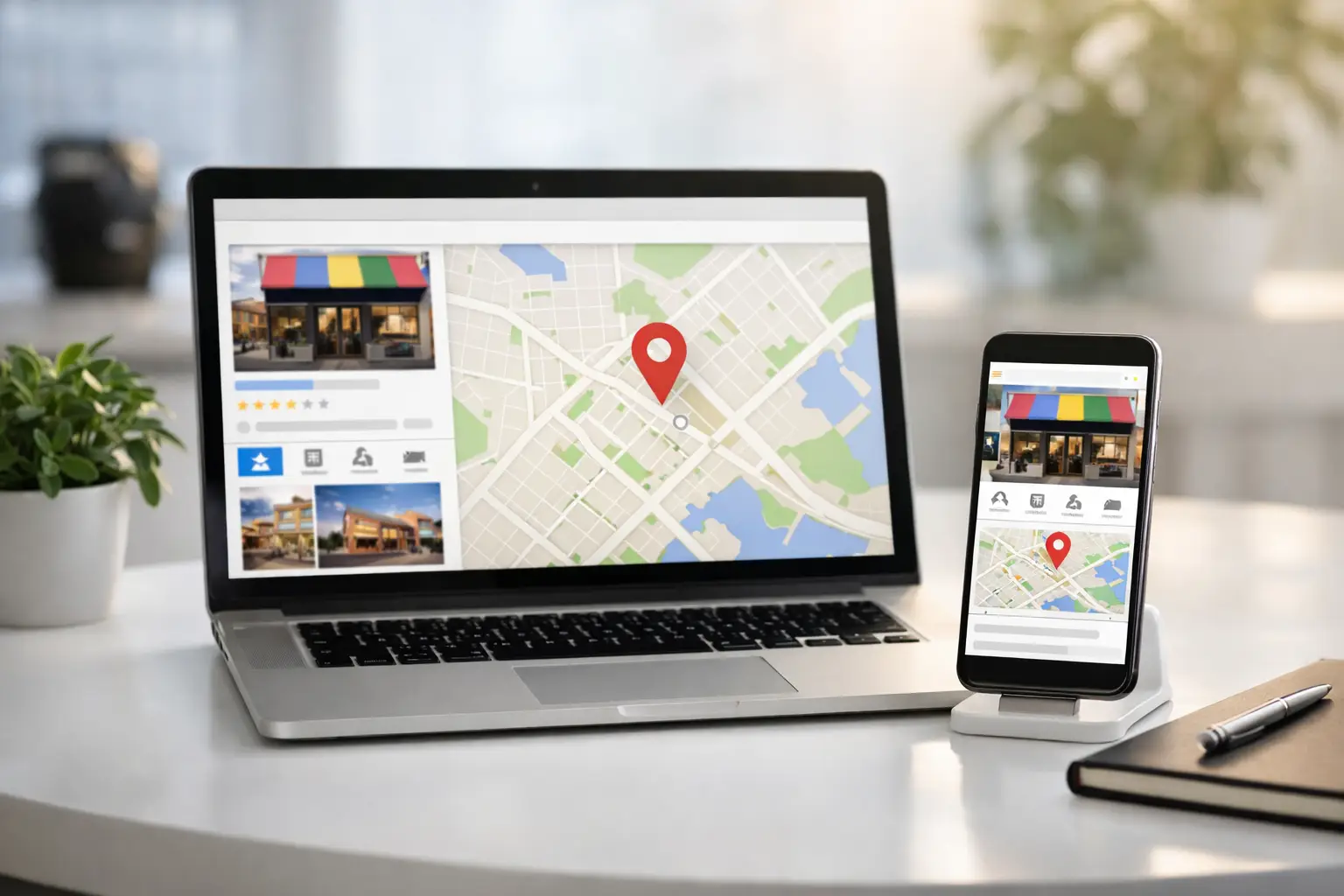
A Google Business Profile is often the first version of your business a local customer sees. Before they visit your website, call your number, or ask for a quote, they may see your hours, reviews, photos, and location in Google Search or Maps. This google business profile optimization guide focuses on the work that helps that first impression turn into real inquiries.
For a local business, this is not a set-it-and-forget-it listing. It is a public operating record. If your information is incomplete, your photos are outdated, or your reviews go unanswered, customers notice. The good news is that most improvements are practical, low-cost, and manageable without a large marketing team.
Start With the Information Customers Need
Claim and verify the profile before trying to improve rankings. Verification gives you control over the information Google presents and access to features such as posts, review responses, performance data, and profile edits.
Your business name should match the name you use in the real world: on your storefront, website, invoices, and customer communications. Do not add a city name, service keyword, or promotional phrase to the business name just to chase visibility. It can create inconsistency and may trigger an edit or suspension.
Next, check the details customers use to make a fast decision. Your primary phone number, website, hours, address, and appointment or ordering options should be accurate. Holiday hours deserve special attention. A customer who drives to a closed business after Google showed it as open is unlikely to give you a second chance.
If you serve customers at your location, use your actual address and make sure the map pin is placed correctly. If you travel to customers and do not receive them at an office or storefront, set up a service-area business and hide the address. Define service areas based on places you genuinely serve, not every city you would like to rank in.
Choose Categories That Match Revenue
Categories help Google understand what your business does. They also shape which searches your profile may appear for, so this choice deserves more thought than a quick guess.
Choose the most specific primary category that describes your core business or highest-value service. A residential plumbing company, for example, should not use a broad category if a more precise plumbing category fits. A marketing consultant should not choose an agency category unless that is how the business actually operates.
Then add secondary categories only for services you actively provide. More is not always better. Irrelevant categories confuse the profile and can attract leads that are a poor fit. Think about the jobs you want more of, the services you can deliver consistently, and the language customers use when searching for them.
Once categories are set, complete the related service offerings. Add individual services with plain-English names and useful descriptions. This is a good place to explain scope, such as whether a photographer offers headshots, product photography, or event coverage. Avoid turning every service field into a block of repeated keywords. Clear information helps customers and gives Google better context.
Build a Profile That Looks Active and Real
A thin profile rarely inspires confidence. Add a concise business description that explains who you help, what you offer, and what makes the experience useful. Write for a potential customer, not for a search engine.
For example, a home organizer might state that they help busy households organize kitchens, closets, and move-ins with practical systems that are easy to maintain. That tells a customer more than a string of phrases like “best home organizer near me.”
Photos carry a lot of weight because they reduce uncertainty. Customers want to see the storefront, team, work quality, products, vehicles, menu items, or office environment before they commit. Use real, well-lit images that represent the current business. Stock photos may look polished, but they usually do little to answer a customer’s real questions.
A useful starting set includes:
- A recognizable logo and cover photo
- Exterior and interior photos when customers visit your location
- Team photos that show who customers will work with
- Product, project, or service-in-action photos
- Recent photos that reflect seasonal changes, new inventory, or current work
Add photos over time instead of uploading one batch and disappearing for a year. For service businesses, a few strong before-and-after examples can be more persuasive than dozens of generic images. Be careful with customer privacy and get permission when people, homes, or sensitive work are identifiable.
Use Posts and Updates With a Purpose
Google Business Profile posts can support timely offers, events, announcements, and updates. They are not a replacement for a full content strategy, but they are useful when they answer a current customer question.
A restaurant can promote a seasonal menu. A consultant can announce workshop availability. A home service company can explain storm-response hours or a limited-time maintenance offer. The best posts are specific and actionable: tell people what is available, who it is for, and what to do next.
Do not post just to look busy. A weak update with vague language adds little. It is better to publish fewer useful posts than a stream of recycled promotional statements.
Make Reviews Part of Your Operating System
Reviews influence both customer trust and local visibility. More importantly, they reveal what customers value about your business. A steady flow of honest, recent reviews is more useful than a sudden burst followed by months of silence.
Create a simple review-request process after a successful interaction. For some businesses, that may be a short follow-up email after a completed project. For others, it may be a text message after a purchase, appointment, or delivery. Ask when the experience is fresh, make the request easy, and never pressure customers to leave only positive feedback.
Respond to reviews consistently. Thank positive reviewers by referring to something real when possible. For negative reviews, stay calm, avoid public arguments, and acknowledge the concern without sharing private customer details. Offer a practical next step to resolve the issue offline.
A good response does not need to be long. It needs to show future customers that your business pays attention. If a review is fake, abusive, or clearly violates platform rules, report it through the appropriate process, but do not assume every unfavorable review will be removed.
Add Questions, Attributes, and Conversion Details
The question-and-answer section can fill gaps that stop customers from contacting you. Common questions may cover parking, accessibility, accepted payment methods, booking requirements, turnaround times, delivery areas, or whether walk-ins are welcome. Add accurate answers to the questions customers repeatedly ask your team.
Review available attributes as well. Depending on the business type, these can communicate accessibility features, ownership information, online appointments, pickup options, payment methods, and other decision-making details. Only select attributes that are true and current.
Conversion details matter as much as visibility. If your profile generates calls but few bookings, check whether the phone is answered, the voicemail is clear, and the website landing page matches the service people searched for. A well-optimized profile cannot fix a slow response process or a confusing sales path.
Measure What Changes Actually Produce
Google Business Profile performance data can show how people find your listing and what actions they take, including calls, website visits, direction requests, and message or booking activity when available. Review these signals monthly, not obsessively every day.
Look for patterns. A jump in direction requests may indicate stronger local intent. High website visits with few inquiries may point to a weak page or unclear offer. A rise in calls after adding service photos or collecting recent reviews can show which improvements are working.
Keep in mind that local rankings depend on relevance, distance, and prominence. You can improve relevance with accurate categories, services, and business information. You can improve prominence by earning reviews, building a recognized local presence, and maintaining a credible business brand. You cannot control how close a searcher is to your location, which is why a business may rank differently across nearby neighborhoods.
A Simple Google Business Profile Optimization Routine
The most effective google business profile optimization guide is one you can actually maintain. Set a recurring monthly task to review hours, services, photos, reviews, questions, and profile performance. Use a separate quarterly review to check categories, seasonal offerings, and whether your website information still matches the profile.
Do not chase every ranking fluctuation or copy a competitor’s setup without context. A nearby competitor may have a different service area, longer history, stronger review volume, or a more convenient location. Focus first on presenting your business accurately and making it easier for the right customer to choose you.
Treat your profile like a working piece of your customer experience, not a directory listing. Each accurate update, helpful photo, and thoughtful response gives local customers one more reason to trust the business behind the search result.














0 Comments